




- Product Information
- Features
- Specifications
- Technical Information
- Download
- Order
|
Build-A-Board
Download Build-A-Board Build-A-Board Frequently Asked Questions Build-A-Board Technical Support View Build-A-Board Virtual Keyboard Designer Literature (PDF) View Order Pad Build-A-Board User's Guides Current Version User's Guide Build-A-Board User's Guide Build-A-Board User's Guide (Manual PDF) Build-A-Board User's Guide (EBook PDF) Build-A-Board User's Guide (US Letter PDF) Build-A-Board User's Guide (A4 PDF) IMG Products IMG's Assistive Technology Products IMG's Commercial Products IMG Home Page |
Product Information
My-T-Soft® Build-A-BoardFinally, A Secure, Reliable, Cross-Platform, User Interface!My-T-Soft® now includes IMG's Build-A-Board & Online Layout Database with thousands of layouts for the ultimate On-screen Keyboard User Interface.Click here to Watch videos in the Build-A-Board How To Video Series! Click here for download link, more detailed/technical info 
Now, anyone can create custom touch screen keypads and panels with interactive buttons, input panels, and keyboards on screen that
seamlessly integrate into any application, roll-out on any platform, provide operator security, are easily modifiable,
and yet still provide the ultimate user interactive experience. Whether you're on a touch screen, mobile pc, rugged tablet,
smartphone, tablet pc, or ultra mobile system, you now have the right set of tools for them all.
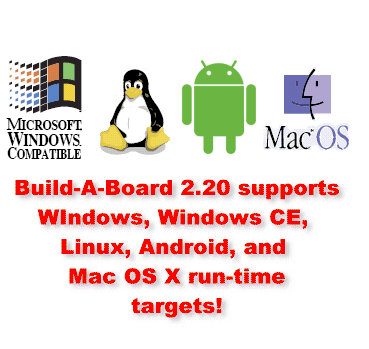
And it easily integrates into any low or high level programming environment with our SDK Developers Integration Kit! 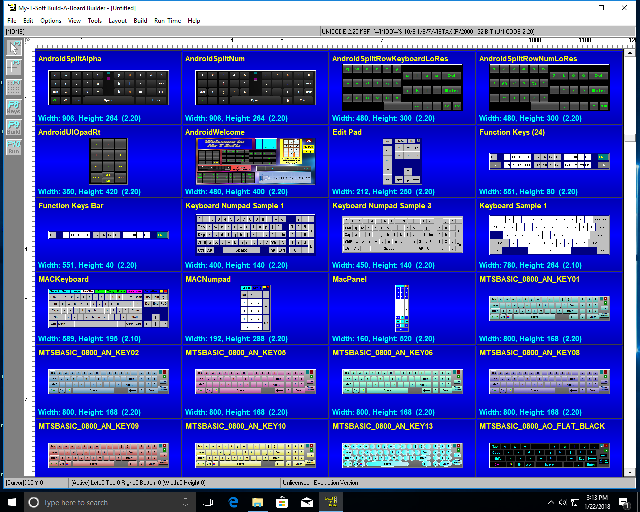 Build-a-Board can generate it's own software input panel run-time targets for Windows CE thru Windows 11 (including Embedded and Terminal Services), Linux, Android, and Mac OSX, or add custom layouts to IMG's My-T-Soft Family (My-T-Pen, My-T-Touch, My-T-Soft, My-T-Soft Terminal Server, and OnScreen with WordComplete). Build-A-Board is the answer for anyone who needs complete control over the user interface when working with a mouse, mobile or rugged tablet, trackball, or touch screen based system. Of course, it also works with any other pointing device. With Build-A-Board you can...
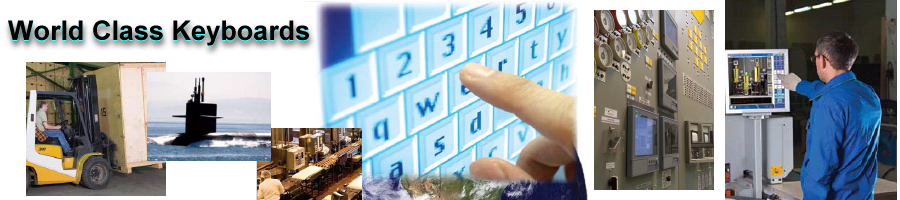
 The Ideal Complement to Mobile, Tablet, & Touch screen based systems!Build-A-Board's Touch screen Keyboard User Interface Utilities are the answer for any end-user, developer, integrator, or manufacturer who wants alternatives & options to a basic on-screen or external keyboard. In secure environments, controlling what features & functions are available to the operator can be extremely important, and Build-A-Board gives you the ability to do just that! Replace outdated equipment with new systems utilizing today's mouse, pen or touch screen input technology, while preserving existing methodology & procedures - Familiar interfaces eliminates the need for additional user training! Other solutions include users with Special Needs using non-traditional Assistive Technology devices... |
Features
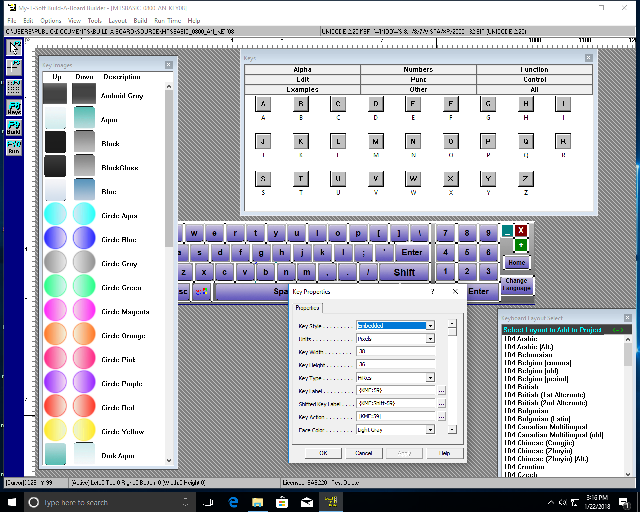
Drag and drop keys with modifiable labels, actions, views
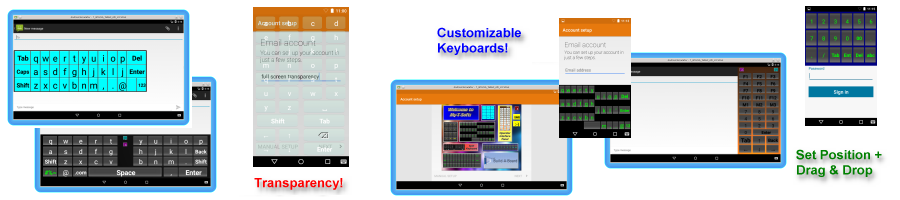
Multiple target platforms - Windows CE thru 10 (Embbedded & Terminal Server), Android, Linux, Mac OS X, etc.
Create any on-screen keyboard, touch screen key panel, virtual input panel, or membrane panel
Create shaped panels to fit available application screen space, such as L-shaped or wrap around layouts
Replace old legacy membrane panels with re-programmable on screen panels
Select Colors of Text, Keys, and Panels
Use High Resolution 3D on keys
Drag & drop images / add images to keys and panels
Select Fonts
Build & Test within the Builder Environment locally (does not require Target system)
Cut/Copy/Paste Keys
Align keys - Top/Left/Bottom/Right/Horizontal Center/Vertical Center
Evenly Space Keys
Size Keys to match Width/Height/Both Width & Height
Center Key or Keys
Create keystrokes along with full-featured macros in Key Action
Built-in Control Commands: Close, Minimize, Save Position
Open different layouts from user-accessible keys or manage programmatically
Play MIDI files (on supported platforms)
Play Sounds (Wave files) (on supported platforms)
Run External programs, Execute Shortcuts, Use File Associations to launch host application
Save and Manage projects
Builder provides development environment for boards with 1 to 250+ keys per board
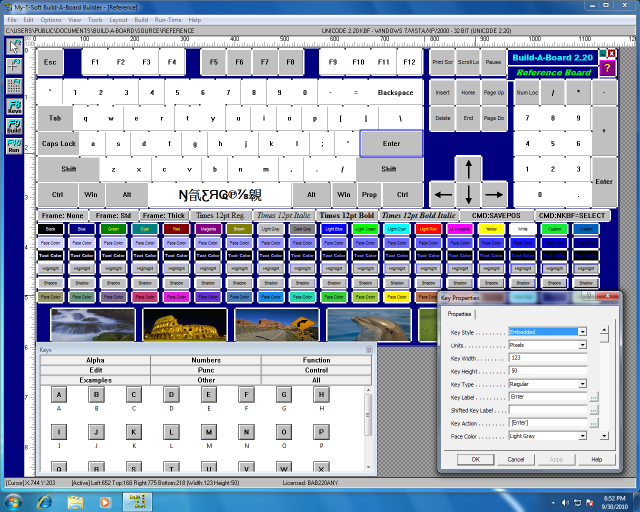
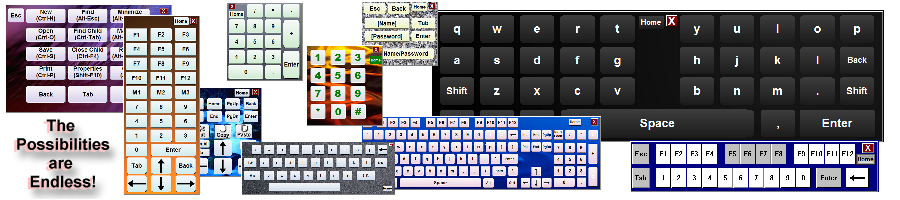
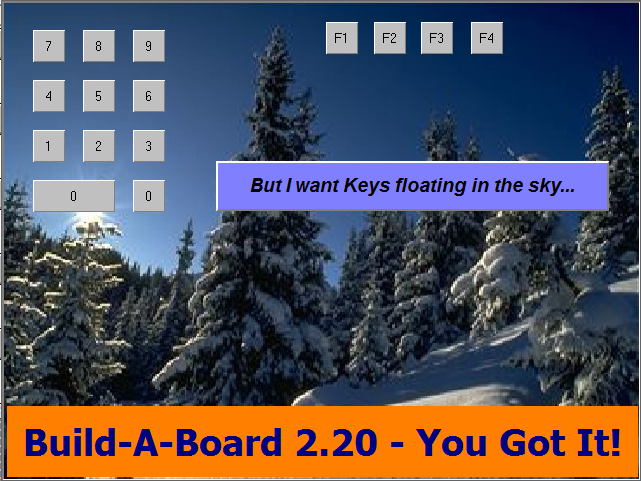
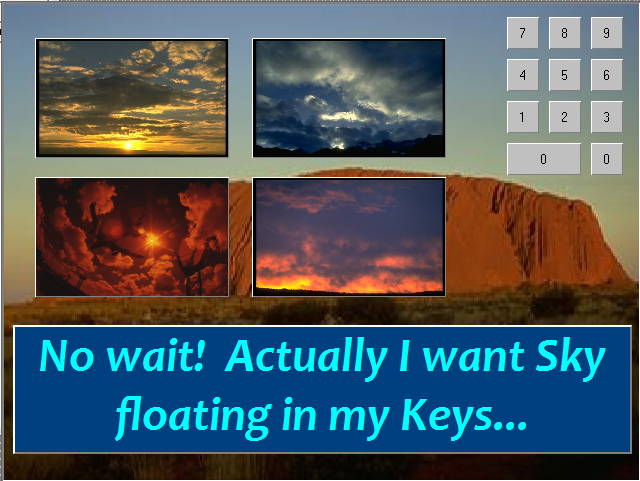
Some Sample Layouts
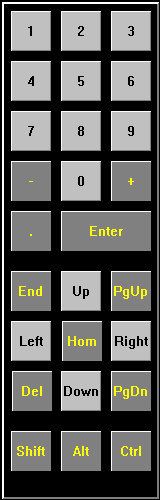
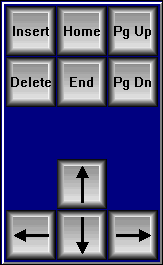
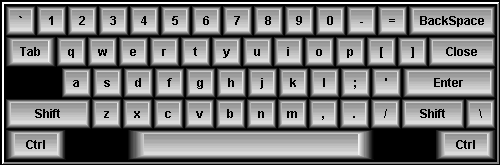


Want Customized Painting?
Use My-T-Soft with the Developers Kit!
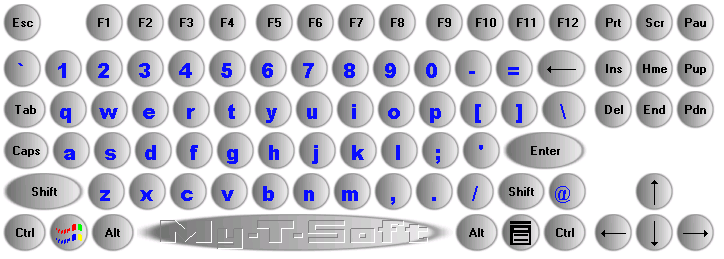
(Using the SDK Developer's Kit - KeyPaint interface allows custom key painting to allow virtually any view)
Specifications
On-Screen keyboard software written as standard Windows application- Compatible with all properly written Windows applications
- Developed in C/C++ - written at same level as operating system for maximum capabilities
- Accesses low-level operating system API via standard interfaces/system libraries - No frameworks or special environment required
- Field proven technology since 1993
- Compatible with all major operating systems - Windows, Android, Linux, Mac OS X
- Structured design - target specific functions, shared core keyboard functions, abstracted system API functions
- User and System option support
- Keyboard layouts as binary data files for minimal space requirements
- Fully emulates physical keyboard
- Program / Data approach - Program (run-time target software) and separate Data (Keyboard layout) design provides maximum flexibility for multi-platform solutions
- Builder, Project Text files, Project database, multiple target output design creates open-ended options for layout creation
- Separate user-interface, event handler/virtual input processor design creates open-ended options for end-user/target operation
- Separation of Key Label/visualization and Key Action (event) within user interface allows open-ended options
- Provides ability for user to operate without need for physical keyboard
- Operator mode for secure application integration
- Developer's Kit (SDK) for controlling and manipulating keyboard
- Custom views/colors/key images
- Sounds
- Transparency (on supported platforms)
- Windows logon options
- External Support utilities (Developer's Kit)
- Unique and specialized features to address customer needs
- Detailed help, documented options, on-line knowledgebase
- Advanced Technical support, programming, and program level integration assistance available
Technical Information
Build-A-Board provides a Builder tool which is a standard Windows Application, that is used as a development environment for laying out one or more boards with any number of keys. Each project/custom board can be targeted towards any supported platform (platform license may be required). Each supported platform provides target specific run-time files or target-based install package.
Build-A-Board was designed from the ground-up to be a cross-platform, multiple target custom keyboard design tool. The Build-A-Board Builder is the developer front-end that can manipulate keyboard layouts, look, and features. The Run-Time Targets are the actual software (Program) that runs on a target system to display and operate the keyboard layout (Data). Due to the various nature and aspects of the different run-time operating systems and environments, there are features and capabilities that may not translate from one system to another. Also, with over 15 years of providing keyboard solutions, and a half-dozen keyboard file data formats, there are also other constraints that may affect a particular target.
The actual code-base for the run-time targets is a combination of target specific code, shared core keyboard software code, and shared lower-level abstracted operating system API code. Because the foundation was designed to be cross-platform, and extensible, the ability to run the same keyboard layout (Data) on multiple run-time targets (Programs) is the expected operation.
Build-A-Board is the result of constant input and feedback from customers, integrators, developers, and OEMs on what a flexible on-screen keyboard/user interface tool needs to do. Engineered using a disciplined/modular/cross-platform approach, Build-A-Board is the professional's choice for any serious customer or enterprise based deployment.
Download
Click here to go to the Download page for Build-A-Board Virtual Keyboard Designer
If only interested in the run-time target on-screen keyboards (not the designer) click the appropriate link below:
Click here to Download My-T-Soft for WindowsClick here to Download My-T-Soft for Android
Click here to Download My-T-Soft for Linux
Click here to Download My-T-Soft for Mac OS X
Click here to Download My-T-Soft for Windows CE
Order - Build-A-Board Licensing Information
IMG's Build-A-Board Designer Editor, Online Layout Database, and
Programming Support are now included with your
My-T-Soft Professional, OEM, Site, or Enterprise License purchase! Please contact IMG Sales for more information.
- Windows CE thru 10 (32 & 64 bit), Embedded, Terminal Server, Android, Linux & OSX
- For Windows, please see My-T-Soft for Windows
- For Android, please see My-T-Soft for Android
- For Windows CE (.NET/SIP/Compact Embedded), please see My-T-Soft CE
- For Linux, please see My-T-Soft for Linux
- For Mac OS X, please see My-T-Soft for Mac OS X
- For Terminal Server / Remote Desktop on Thick or Thin Clients, please see My-T-Soft TS
- For Upgrades or Older Version Licensing, please see our Annual Maintenance Support option.
- Developer Friendly with a SDK kit, Developers Corner, and phone / email based programming support
- Cross Platform run-time support means consistent operator user interfaces across different O/S's
- Layouts can be embedded in any My-T-Soft Family product
Just want to license electronically? Download and install the software, then click on "Purchase License Now" from within the software's License Manager!
Volume Purchase or Corporate Enterprise Licensing
-
Build-A-Board Designer, Online Layout database access, Build-A-Board.com Account - FREE
Customization capabilities for My-T-Soft / any Build-A-Board run-time license - Download Free Build-A-Board Designer -
1-49 Device Licenses with Build-A-Board Designer, Online Layout database & Support - $24.95US each device
Cat. # 12412
Qty 10+ $19.96US - Enterprise 50 (Designer(s), Keyless, Image Ready Licensing, on-going support - 50 Devices) - $ 899.95US Cat. # 12402
- Enterprise 100 (Designer(s), Keyless, Image Ready Licensing on-going support - 100 Devices) - $ 1799.95US Cat. # 12403
- For Large or Global Enterprises, IMG Technology Licenses are offered - Please Contact IMG Sales
Build-A-Board Builder Tool License (Run-time Lics Addl.) Suggested Price (US) $0 (FREE).
- Builder for Creating / Maintaining Boards on existing run-time licensed devices, of for Prototyping, Proof of Concept
- IMPORTANT NOTE: Run-Time / device licenses required for uninterrupted operation of custom layouts
- Download Free Build-A-Board Designer
Build-A-Board Run-time License Only (My-T-Soft CE / 2.20 / 2.30) Suggested Price (US) $24.95. Cat. # 12412
- Run-time license for licensing additional supported devices (Through Build-A-Board.com Account)
- Qty 10+ $19.96US
Build-A-Board Enterprise 50 (1 Platform) [SMB/Corporate Dept.] Suggested Price (US) $899.95. Cat. # 12402
- Builder with Platform license for up to 50 devices (keyless/image ready licensing)
Build-A-Board Enterprise 100 (1 Platform) [Single Site] Suggested Price (US) $1799.95. Cat. # 12403
- Builder with Platform license for up to 100 devices (keyless/image ready licensing)
- For larger deployments, IMG Technology Licenses are offered - Please Contact IMG Sales
